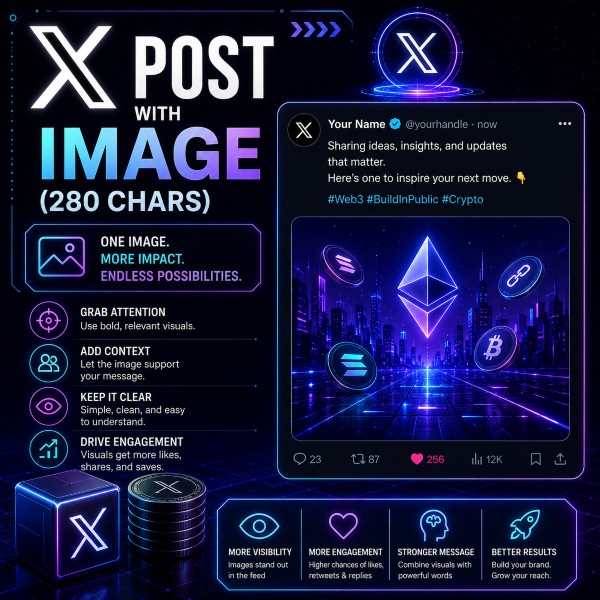
A post with image should use visuals to make the message stronger. The image can help explain the campaign, highlight the project, showcase a feature, or make the post more eye-catching.
- A clear written caption
- The project tag
- The token ticker, if applicable
- An image that matches the campaign theme
- A message that supports the project's current goal
Big things are happening around @ProjectName.
The latest $TOKEN update gives the community more reasons to stay active, engaged, and involved.
This is exactly the kind of momentum crypto communities need.
The latest $TOKEN update gives the community more reasons to stay active, engaged, and involved.
This is exactly the kind of momentum crypto communities need.
- Do not post a random image
- Make sure the image connects to the project or campaign
- Avoid low-effort screenshots with no context
- Use the caption to explain why the image matters